India
India
 Singapore
WhatsApp Business API Application: Step-by-Step Approval, Verification and Eligibility Guide (India)
-
 By Smartping
- Oct 19, 2026
- WABA
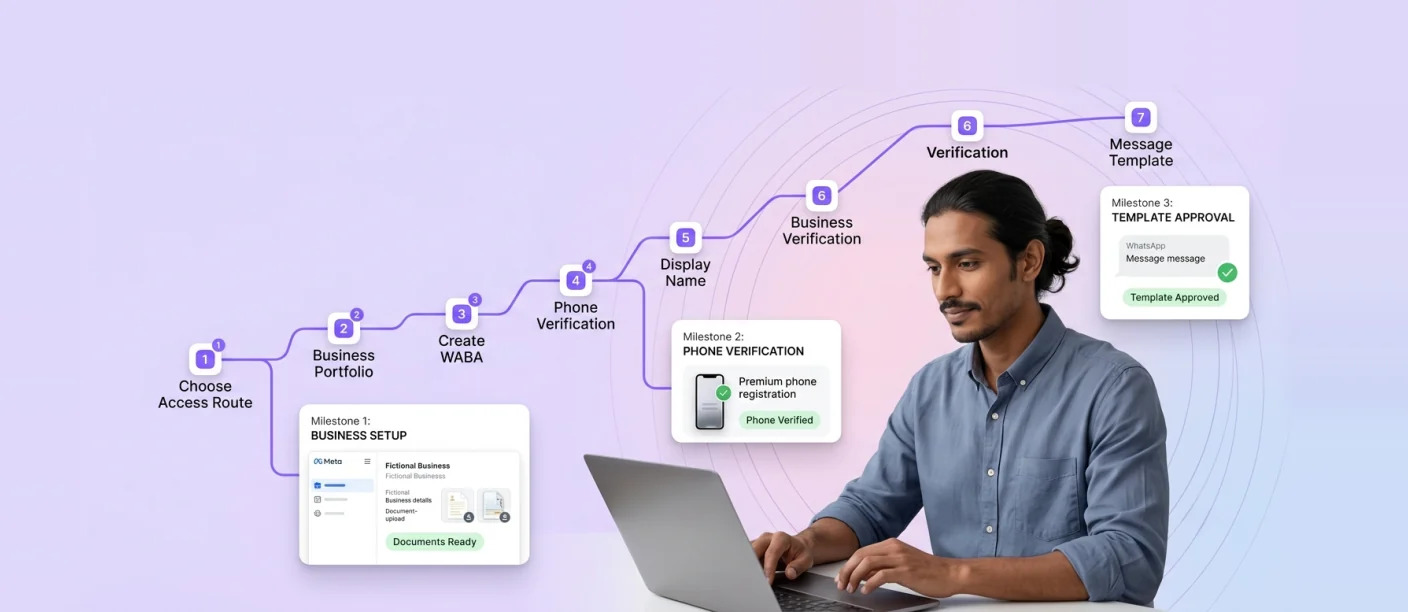
A WhatsApp Business API application involves setting up a Meta Business Portfolio, creating a WhatsApp Business Account, registering a dedicated phone number with an approved display name, and completing business verification to unlock higher messaging limits. Most legitimate Indian businesses are eligible, provided their products and use cases comply with WhatsApp’s Business and Commerce Policies.
This guide is for marketing ops teams, IT admins and founders in India who are ready to apply, including regulated BFSI and healthcare brands. Smartping is a Meta Business Partner that helps businesses get started with WhatsApp Business API. For a full overview of the platform, read our WhatsApp Business API complete guide.
Who Can Get WhatsApp Business API Access?
Is WhatsApp Business API available for all? It is available to most registered businesses, of any size, that can verify their identity and operate within WhatsApp’s policies. There is no minimum company size or message volume to apply.
Eligibility comes down to three things:
1. A legitimate, verifiable business: With registration documents and an online presence that matches your business details.
2. Policy-compliant products and services: WhatsApp’s Commerce Policy prohibits certain goods and services from being sold or promoted, including categories such as illegal products, weapons, drugs, adult content and certain regulated items.
3. Consent-based messaging: You must collect opt-in before sending business-initiated messages.
If you’re unsure whether you need the API or whether the free Business app still fits your needs, see our comparison of the WhatsApp Business App vs Platform.
Are Banking Use Cases Allowed in WhatsApp Business API?
Yes. Banks, NBFCs, insurers and fintech companies widely use the WhatsApp Business API for transaction alerts, OTPs, account updates, EMI reminders and customer support. Some financial products may face restrictions under the Commerce Policy, so promotional content for specific offerings should be reviewed against current policy before launch.
Healthcare brands can use the API for appointment reminders, report notifications and patient support. Selling or promoting prescription medicines and certain health products is restricted, so care is needed with promotional templates.
Restricted categories such as gambling, alcohol and tobacco are generally limited or prohibited. If your business operates near these categories, review the policy carefully or consult your provider before applying.
Documents and Prerequisites Checklist
Prepare these before you begin to avoid delays:
1. Meta Business Portfolio: Formerly Facebook Business Manager, with admin access.
2. Legal business name: Matching your registration documents exactly.
3. Business registration proof: Such as a GST certificate, Certificate of Incorporation, Udyam registration or Shop and Establishment certificate.
4. Business address and phone number: Details that match your documents.
5. A live website: On your business domain, showing your business name, contact details and a privacy policy.
6. A business email address: On the same domain.
7. A dedicated phone number: Not currently registered on WhatsApp or the WhatsApp Business app, unless you are using coexistence.
8. Display name: One that clearly relates to your business and brand.
How to Register WhatsApp Business API: 7 Steps
Step 1: Choose your access route. You can access Meta’s WhatsApp Cloud API directly or onboard through a Meta Business Partner. A partner guides setup, provides tools and supports verification.
Step 2: Set up your Meta Business Portfolio. Create or confirm your portfolio in Meta Business Suite, ensuring the legal name, address and website match your documents.
Step 3: Create your WhatsApp Business Account (WABA). This is usually done through Meta’s embedded signup flow, either on Meta’s platform or your provider’s onboarding page.
Step 4: Add and verify your phone number. Enter your dedicated number and verify it through an OTP sent by SMS or voice call.
Step 5: Submit your display name. Meta reviews it against its display name guidelines.
Step 6: Complete business verification. Submit your business documents for Meta’s review to unlock higher messaging limits.
Step 7: Create and submit your first message template. Once approved, you can send business-initiated messages to opted-in customers.
How to Add WhatsApp Business API in Facebook Business Manager (Meta Business Suite)
1. Log in to Meta Business Suite and open your Business Portfolio.
2. Go to Settings and select Accounts > WhatsApp Accounts.
3. Click Add to create a new WhatsApp Business Account, or follow your provider’s embedded signup link.
4. Enter your business details, display name and phone number.
5. Verify the number and assign admin access to the relevant team members.
6. If working with a partner, grant them access to manage the account. Your business should remain the owner of the WABA.
Business Verification: How to Get Meta Approval
Business verification confirms to Meta that your business is real. It matters because of messaging limits: new business portfolios start with a limit of 250 unique users per rolling 24-hour period for business-initiated messages.
Completing verification through Meta, or through partner-led verification if a provider onboarded you, is the main route to raising that limit to 2,000. To verify:
1. In Business Settings, open Security Centre and start verification.
2. Upload a registration document that shows your legal business name.
3. Confirm your business via email, phone or domain verification.
4. Wait for Meta’s review.
Want a smoother setup? Book a done-for-you onboarding consultation by contacting Smartping’s experts.
Criteria to Get Approval: Top Rejection Reasons and Fixes
| Rejection Reason | What It Means | How to Fix It |
|---|---|---|
| Display name mismatch | The name doesn’t clearly relate to your business or website. | Use your brand name as it appears on your website and documents. |
| Legal name mismatch | Portfolio name differs from registration documents. | Update the portfolio to match your GST or incorporation certificate exactly. |
| Unverifiable website | Site is missing, under construction or lacks business details. | Publish a live site with business name, address, contact details and privacy policy. |
| Policy violations | Products or services fall under restricted categories. | Review the Commerce Policy and remove restricted offerings from WhatsApp use cases. |
| Unclear documents | Uploads are blurry, expired or missing key details. | Submit clear, current documents showing your legal name and address. |
| Number already in use | The number is active on WhatsApp or the Business app. | Use a new number, delete the existing account, or use coexistence where available. |
After Approval: Messaging Limits, Quality Rating and the Blue Tick
Messaging limits. These are set at the business portfolio level and shared by all phone numbers within it, so one number can use up the portfolio’s capacity. Once you reach 2,000, further increases happen automatically: if you have used at least half your current limit over the last seven days while maintaining quality, your portfolio moves up one level within six hours, up to unlimited.
Quality rating. Meta assesses how customers respond to your messages. Blocks and reports lower your rating; relevant, expected messages keep it healthy. Our guide on controlling WhatsApp marketing sends covers practical ways to protect quality.
Official Business Account (blue tick). Verified businesses can request official business account status, which displays a blue badge next to the business name. Approval depends on factors such as verification status and the brand’s public presence, and is not guaranteed.
Once you’re live, follow our guide to send your first WhatsApp API message (peer link).
Frequently Asked Questions
How long does WhatsApp Business API approval take?
Timelines depend on how complete your documents are and how quickly Meta completes its review. [Placeholder: Smartping onboarding team to add real average timelines.]
I didn’t get Facebook approval for WhatsApp Business API. What now?
Check the rejection reason in Business Settings, correct mismatched names, documents or website details, and resubmit. Your provider can help identify the specific issue.
Can I apply for WhatsApp Business API without a website?
A live website is strongly recommended, since Meta uses it to verify that your business is legitimate. Applying without one significantly increases the chance of rejection.
Can I use my existing WhatsApp number?
You can either remove the number from WhatsApp first or use coexistence, which allows a WhatsApp Business app number to be connected to the API while remaining active on the app.
Do I need business verification to start?
You can start sending at the initial 250 limit before verification, but verification is required to scale to higher messaging limits.
Start Your Application the Right Way
A successful WhatsApp Business API application comes down to preparation: consistent business details, a live website, policy-compliant use cases and clean documentation. With these in place, approval and scaling become far more predictable.
Talk to Smartping’s experts for guided onboarding.

Enable businesses to forge enduring connections with their customers through multiple channels.
Latest Blogs
-
Smartping at World AI Summit 2026: AI Voicebot and WhatsApp AI Chatbots for Enterprises
Bengaluru, 21 October 2026: Smartping, a Meta Business Partner and enterprise communication platform, showcased its AI Voicebot and WhatsApp AI...
Read More
-
WhatsApp Ads Guide: How to Run Click-to-WhatsApp Campaigns in Ads Manager and Convert Chats into Leads
WhatsApp ads are Click-to-WhatsApp ads: Facebook and Instagram ads with a “Send WhatsApp Message” button that opens a chat with...
Read More
-
How to Send Messages with the WhatsApp API: Templates, the 24-Hour Window and Interactive Messages
To send a message with the WhatsApp API, your system sends a request to Meta’s Cloud API specifying the recipient,...
Read More
-
WhatsApp Business Marketing at Enterprise Scale: From Broadcasts to Customer Engagement
WhatsApp Business marketing at enterprise scale means using the official WhatsApp Business Platform to run personalised, permission-based campaigns and two-way...
Read More

Share


Related Blogs & Articles

Smartping at World AI Summit 2026: AI Voicebot and WhatsApp AI Chatbots for Enterprises
Bengaluru, 21 October 2026: Smartping, a Meta Business Partner and enterprise communication platform, showcased its AI Voicebot and WhatsApp AI...
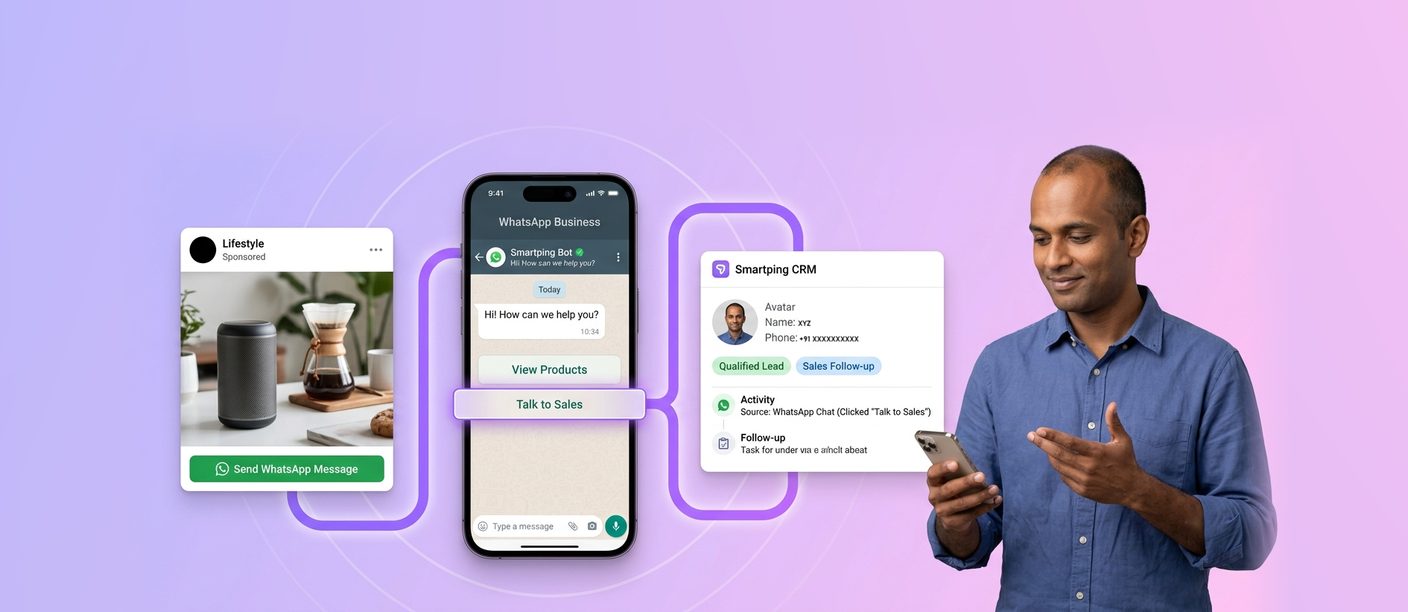
WhatsApp Ads Guide: How to Run Click-to-WhatsApp Campaigns in Ads Manager and Convert Chats into Leads
WhatsApp ads are Click-to-WhatsApp ads: Facebook and Instagram ads with a “Send WhatsApp Message” button that opens a chat with...
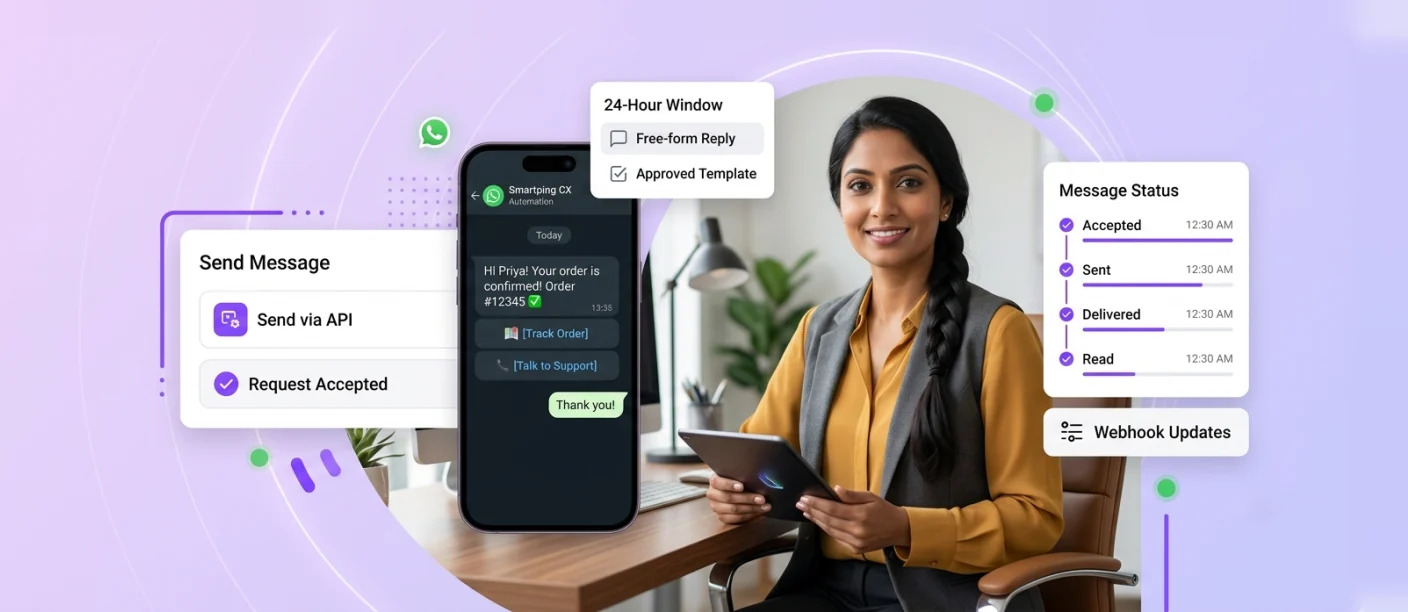
How to Send Messages with the WhatsApp API: Templates, the 24-Hour Window and Interactive Messages
To send a message with the WhatsApp API, your system sends a request to Meta’s Cloud API specifying the recipient,...
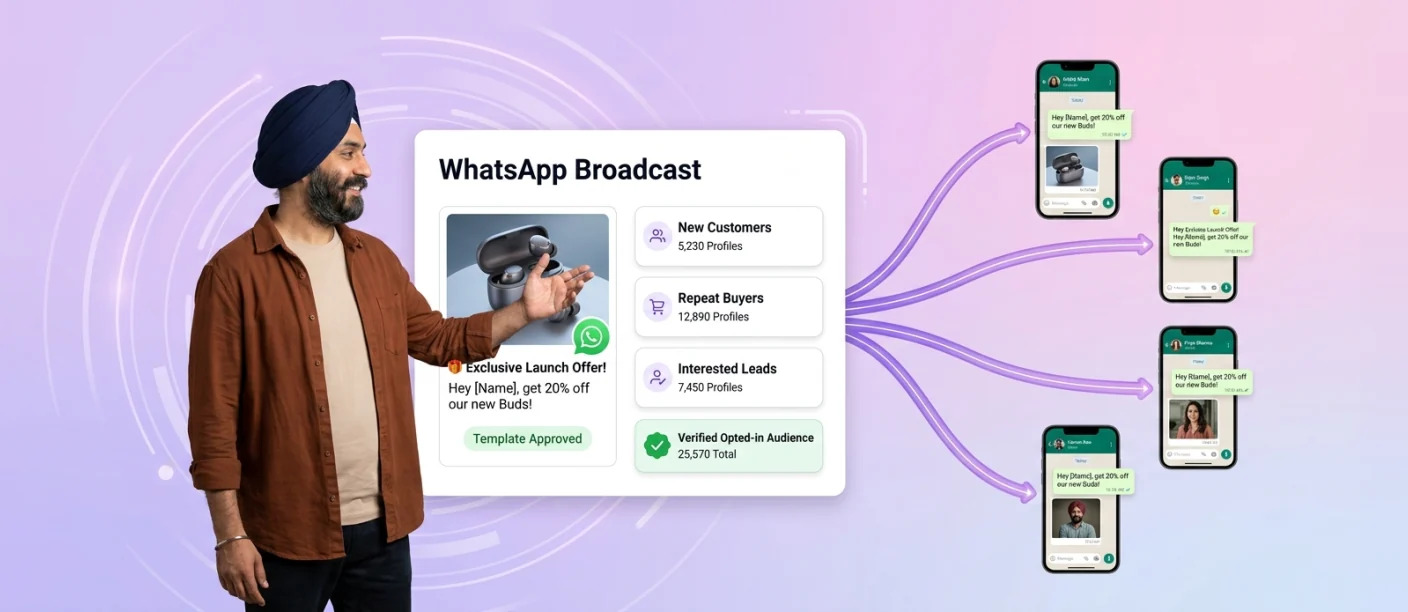
WhatsApp Business Marketing at Enterprise Scale: From Broadcasts to Customer Engagement
WhatsApp Business marketing at enterprise scale means using the official WhatsApp Business Platform to run personalised, permission-based campaigns and two-way...
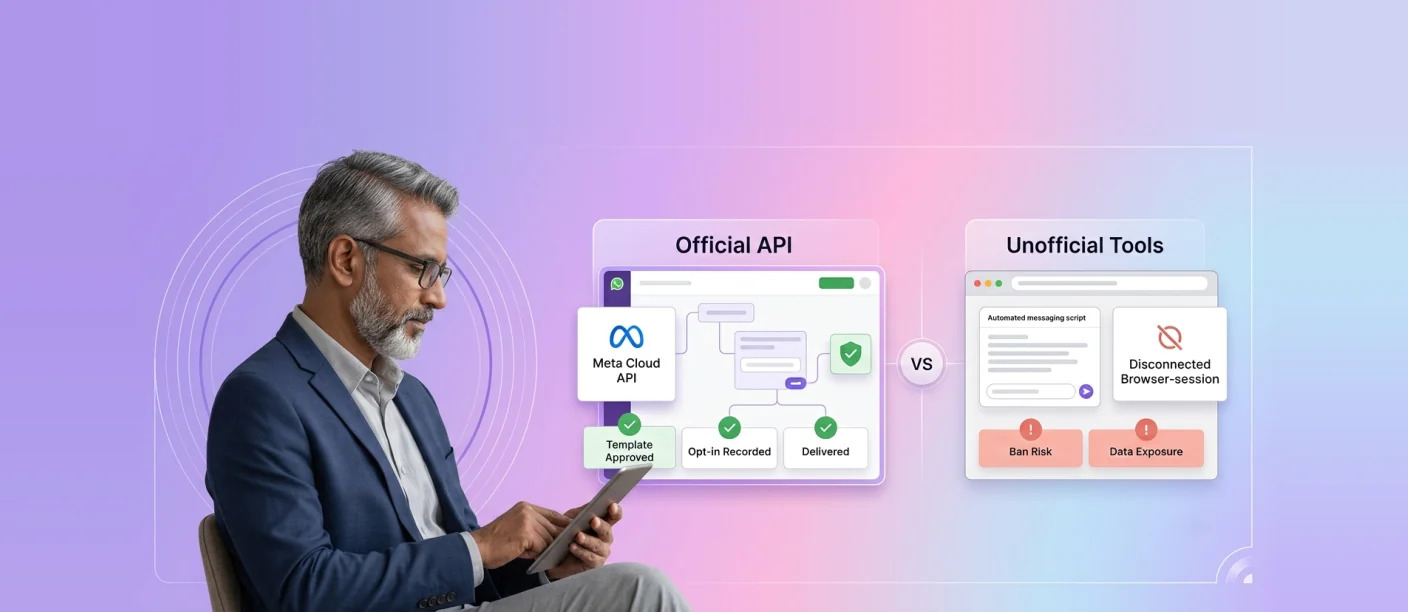
Official Meta WhatsApp API vs Unofficial WhatsApp Tools: Ban Risks, Compliance and How to Choose
The Meta WhatsApp API, officially part of the WhatsApp Business Platform, is the only sanctioned way for businesses to send...
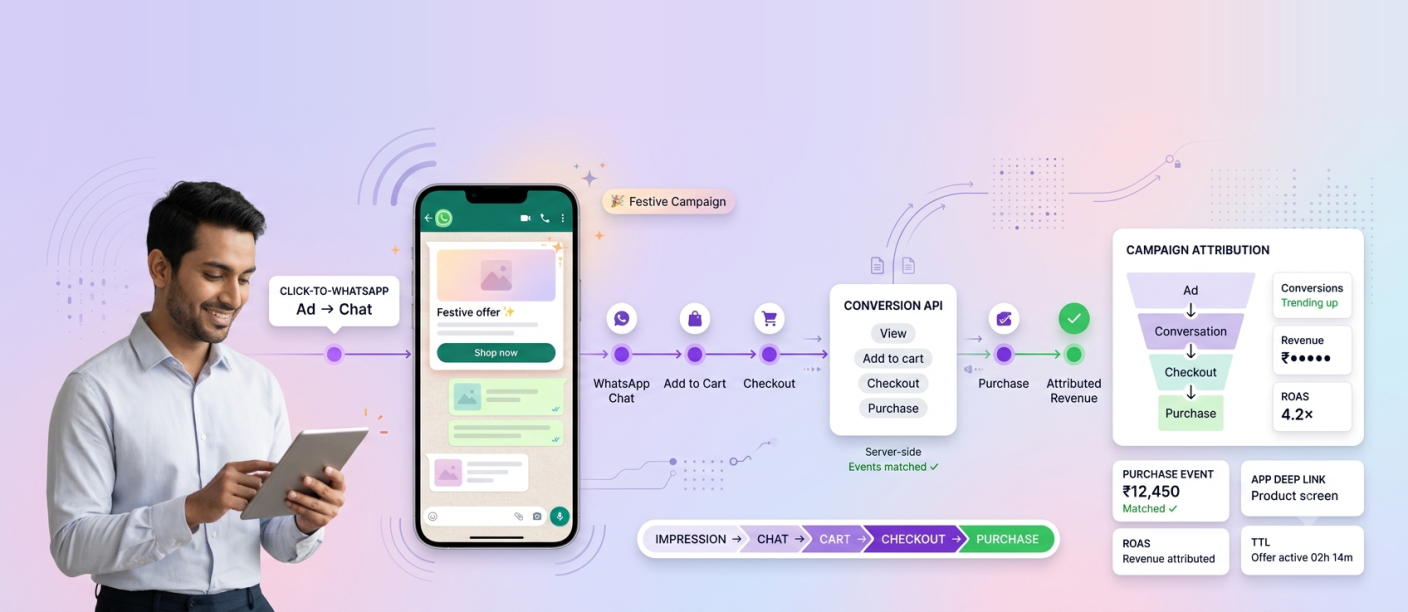
How Can WhatsApp Conversion API Improve Attribution During Festive Commerce Campaigns?
WhatsApp Conversion API improves festive campaign attribution by sending downstream business events, such as add-to-cart, checkout and purchase, back to...




 First Floor, Unit F-49, Sector-47, Spaze Boulevard, Gurugram, Haryana 122018