India
India
 Singapore
Cloud Contact Center Solutions: The Complete Guide for Indian Enterprises
-
 By Smartping
- Sep 30, 2026
- Cloud
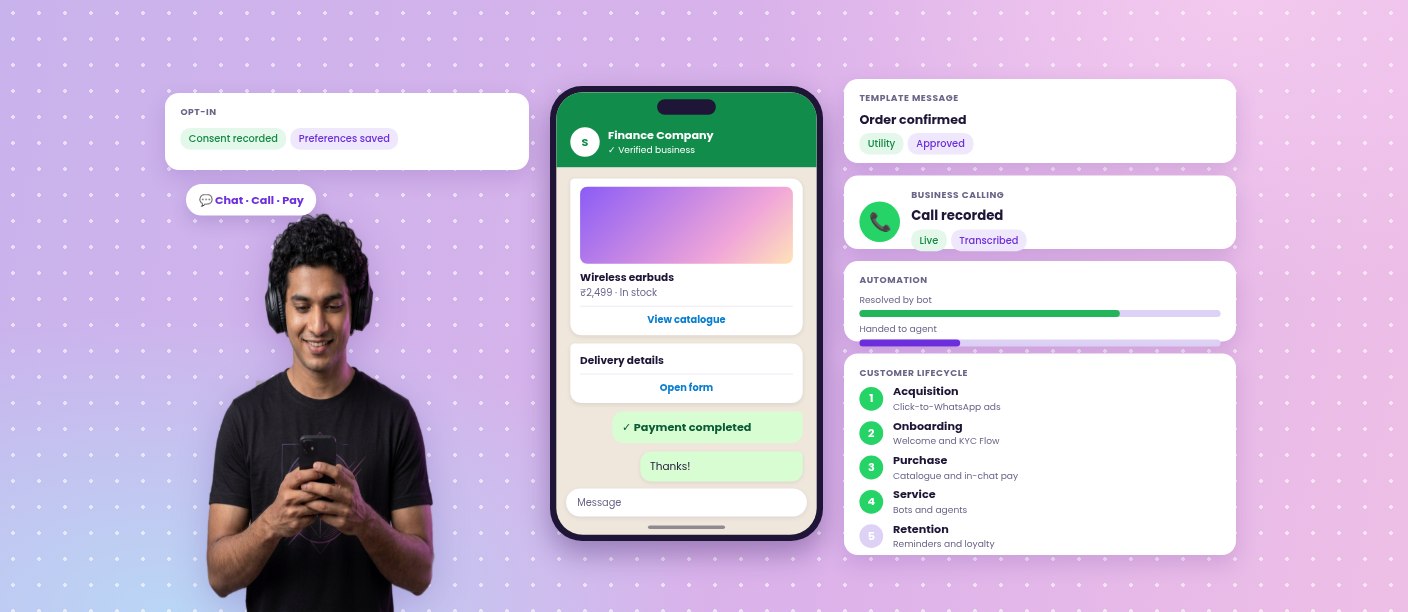
A cloud contact center, also described as Contact Center as a Service (CCaaS), delivers customer interaction management through the cloud: routing, agent desktops, recording, quality assurance, automation and analytics, without on-premise infrastructure.
For enterprises operating at scale, the contact center is where service commitments are met, where regulatory obligations are demonstrated and where a significant share of operating effort is concentrated. Its architecture determines how quickly customers are helped, how accurately conversations are recorded and how effectively teams can be managed.
This guide sets out the architecture of a modern cloud contact center, the routing and integration capabilities that matter at enterprise scale, the role of AI, preparation for peak demand, governance obligations under the DPDP Act, and the metrics that indicate performance.
Cloud Contact Center Architecture
A modern cloud contact center connects several components into a single operating flow:
Flow: Customer (call, WhatsApp, email, chat) → IVR and Intent Detection → Automatic Call Distribution (ACD) → Agent Desktop With CRM Context → Recording and Quality Assurance → Analytics and Reporting
Each component passes context to the next, so customer information accompanies the interaction from first contact to resolution. Cloud delivery allows capacity to be adjusted as demand changes and supports agents working from offices, branches or remote locations.
Intelligent Routing: Skill, Priority and Relationship Based
Routing determines who handles each interaction and how quickly. Enterprise contact centers typically combine several models:
1. Skill-based routing: Matches the customer’s requirement, language or product with the agent best equipped to assist.
2. Priority-based routing: Advances urgent matters, such as fraud reports or payment failures, in the queue.
3. VIP routing: Directs high-value relationships to dedicated teams.
4. Sticky routing: Connects returning customers to the agent who handled their previous interaction.
Routing rules should be reviewed regularly against volume patterns, resolution data and service level performance.
CRM-Integrated Agent Desktops
When an agent accepts an interaction, the customer profile, recent orders, open tickets and previous conversations should be visible immediately. CRM-integrated desktops remove the need to switch systems or ask customers to restate information.
Integration operates in both directions. Call outcomes, dispositions and notes are written back to the CRM automatically, maintaining accurate records for audit and reporting. Native integrations with platforms such as Zoho and Freshworks provide this without custom development, while open APIs support other enterprise systems.
Omnichannel Queues: Voice, WhatsApp, Email and Chat in One Workspace
Customers move between channels during a single issue. Omnichannel contact centers bring these interactions into one workspace with shared queue logic and one customer history.
Agents see the complete conversation across channels. Supervisors manage workload, occupancy and service levels across channels from a single view, rather than operating separate teams per channel.
Call Recording, Quality Assurance and Speech Analytics
Quality assurance traditionally relied on supervisors reviewing a small sample of interactions. With complete recording and searchable archives, every conversation becomes available for review.
Speech analytics extends this further. Conversations are transcribed, keywords identified, sentiment detected and compliance risks flagged, allowing quality teams to focus attention on the interactions that require it. Findings feed directly into coaching plans and process changes.
Supervisor Tools and Live Operations
Supervisors require visibility while interactions are in progress. Live dashboards show queue depth, wait times, agent status and service level attainment. Monitoring, whisper coaching and barge-in allow supervisors to support agents during difficult conversations, and alerting rules highlight breaches before they affect customers.
AI in the Contact Center: Automation, Agent Assist and Insights
AI supports contact center operations in three ways:
1. Automation: Gen-AI voicebots and chatbots resolve routine interactions such as order status, balance enquiries and appointment booking, reducing queue volumes.
2. Agent assist: Real-time transcription and suggested responses help agents respond accurately, which is particularly valuable for new or seasonal staff.
3. Insights: Conversation analysis identifies recurring issues, emerging complaints and training requirements.
Automation and agent support work together. Routine interactions are handled automatically, and agents concentrate on conversations that require judgement.
Workforce Planning and Peak Readiness
Festive periods, sale events, admission cycles and renewal windows create sharp increases in contact volume. Preparation should begin well before the peak:
1. Forecast volumes by channel and by hour, not only by day.
2. Plan concurrency, shift patterns and staffing for peak windows.
3. Define overflow rules routing interactions to backup agents or alternate locations.
4. Deploy automation for high-volume routine interactions.
5. Prepare seasonal agents with scripts, knowledge resources and agent assist.
6. Run readiness testing before the peak period begins.
Cloud infrastructure allows capacity to be added ahead of the peak and reduced afterwards.
Data Protection and Governance Under the DPDP Act
Contact centers handle sensitive personal data: identity details, financial information, health information and recorded conversations. Under the DPDP Act, enterprises must define the purpose of processing, inform customers about recording, set retention periods, control access and protect data in storage and transit.
With the Consent Manager framework operational from 13 November 2026 and full compliance required from 13 May 2027, contact center leaders should review recording notices, retention schedules, access controls and data residency arrangements now. Governance responsibilities should be documented and assigned, not assumed.
Contact Center Use Cases Across Industries
BFSI and Fintech
Fraud reporting, card services, loan servicing and collections, supported by priority routing, complete recording and strict compliance controls.
Retail and E-commerce
Order support, returns, refunds and delivery queries, with capacity planning for sale periods.
EdTech
Admission counselling, fee support and student services during intake cycles.
Travel and Logistics
Booking changes, disruption support, delivery coordination and escalation handling.
Healthcare
Appointment scheduling, patient support and follow-up, with controls appropriate to sensitive information.
Measuring Contact Center Performance
1. Average handling time (AHT): The time taken to resolve an interaction.
2. First-contact resolution (FCR): The share of issues resolved in the first interaction.
3. Service level: The percentage of contacts answered within the target time.
4. Abandonment rate: The share of customers who leave the queue before being assisted.
5. Customer satisfaction (CSAT): Post-interaction feedback.
6. Automation rate: The share of interactions resolved without agent involvement.
7. Quality scores: Compliance and conversation quality from QA reviews and speech analytics.
Migration Planning
Moving from an existing contact center to a cloud platform is an operational project as much as a technical one. A structured migration usually includes:
1. Discovery: Current call flows, numbers, queues, integrations, reports and compliance requirements documented in full.
2. Design: Target routing, IVR structure, agent profiles, dispositions and reporting defined before configuration begins.
3. Integration: CRM, ticketing and business systems connected and tested with representative data.
4. Parallel running: A limited team or queue operating on the new platform alongside the existing one.
5. Cut-over: Numbers and queues migrated in planned stages, with rollback procedures prepared.
6. Stabilisation: Daily review of service levels, quality and system performance for the first weeks of operation.
Migrating by team or queue, rather than in a single event, contains risk and allows each stage to be validated.
Knowledge Management and Agent Enablement
Agent performance depends on access to accurate information. A maintained knowledge base, integrated into the agent desktop, allows agents to answer consistently without searching multiple systems. Content should have named owners, review cycles and version history, particularly for policy and regulatory information.
Enablement extends beyond onboarding. Structured coaching based on QA findings, refresher sessions when processes change, and clear escalation guidance keep quality consistent as teams grow and seasonal staff join.
Security and Access Control
Contact center platforms hold sensitive customer data and recorded conversations. Access should be governed by role, so agents, supervisors, quality teams and administrators see only what their function requires. Additional controls include audit logging of access and configuration changes, masking of sensitive fields such as payment information, secure handling of recordings in storage and transit, and defined procedures for data requests and deletion.
Reporting Cadence and Operational Review
Reporting is most useful when it follows a rhythm. Real-time dashboards support decisions during the day. Daily reviews cover service level, abandonment and quality exceptions. Weekly reviews examine volume drivers, recurring issues and coaching outcomes. Monthly reviews assess trends, automation performance, staffing models and process changes. Establishing this cadence turns contact center data into operational decisions rather than retrospective reporting.
Capacity, Concurrency and Infrastructure Planning
Contact center performance depends on capacity planning that reflects real interaction patterns. Enterprises should model concurrent interactions by channel, peak-hour distribution across the working day, average and maximum handling times by interaction type, shrinkage from breaks, training and absence, and the proportion of interactions expected to be handled by automation.
These figures inform licensing, staffing, routing thresholds and the automation roadmap. They should be reviewed quarterly and before any known peak period, since interaction patterns change as digital channels take a larger share of contact.
Common Implementation Challenges
1. Routing complexity: Rules accumulate over time and become difficult to maintain. Review and simplify routing periodically.
2. Incomplete integration: Partial CRM integration leaves agents switching systems. Map every data requirement during design.
3. Reporting inconsistency: Different teams calculating the same metric differently undermines confidence. Agree definitions and sources.
4. Quality coverage: Reviewing only voice interactions leaves digital channels unmonitored. Extend QA to every channel.
5. Seasonal onboarding: Late recruitment compresses training. Plan seasonal hiring against forecast peaks.
Self-Service and Assisted Service Working Together
Most enterprises operate self-service and assisted service side by side. Customers begin in an IVR, a chatbot or a help centre, and move to an agent when the matter requires it. The transition between the two determines how the experience is judged.
Effective design includes clear exit points from self-service at any stage, transfer of everything the customer has already provided, consistent answers across automated and assisted channels, and reporting that follows the customer journey across both rather than measuring each in isolation. Reviewing where customers leave self-service is one of the most reliable ways to identify content gaps and process friction.
Business Continuity and Service Resilience
Customer service must continue through network issues, power disruption and site-level incidents. Cloud platforms support continuity through geographically distributed infrastructure, agents able to operate from any location, alternate routing rules that divert interactions during an incident, and recorded procedures for switching numbers or queues at short notice.
Enterprises should document continuity procedures, assign responsibilities, and test them periodically rather than during an incident. Reporting should capture incident duration, affected volumes and recovery time, so improvements can be planned.
Choosing a Cloud Contact Center Provider: An Evaluation Checklist
1. Routing flexibility: Skill, priority, VIP and sticky routing.
2. CRM integration: Native connectors and open APIs.
3. Omnichannel support: Voice, WhatsApp, email and chat in one workspace.
4. Recording and QA: Complete recording, search and speech analytics.
5. AI capabilities: Voicebots, chatbots and agent assist.
6. Supervisor tools: Live dashboards, monitoring and coaching.
7. Scalability: Proven performance during peak demand.
8. Security and compliance: DPDP readiness, access control and certifications.
9. Support: Accountable service with defined SLAs.
Cloud Contact Center With Smartping
Smartping’s cloud contact center provides intelligent routing, CRM-integrated agent desktops, complete call recording with searchable archives, supervisor tools and real-time analytics within one platform. Native integrations with Zoho and Freshworks bring customer context into every interaction.
With Smartping’s Gen-AI voicebot and conversational AI, routine interactions are automated and agents are available for conversations that require judgement. Through SPARC, voice, WhatsApp, SMS, RCS and email operate as part of one connected customer journey.
Schedule a demo at smartping.ai to see how Smartping can support your contact center operations.
Frequently Asked Questions
1. Can agents work remotely on a cloud contact center?
Yes. Agents require only a browser and a stable connection. Supervisors can monitor, coach and report on remote and in-office agents from the same platform.
2. Is it possible to migrate to a cloud contact center without service disruption?
Yes. Migrations can be phased by team, queue or number, with parallel running and testing before cut-over, so customers experience no interruption in service.
3. Can the contact center connect to an existing CRM?
Yes. Cloud contact centers integrate with CRMs through native connectors, including Zoho and Freshworks, and through APIs for other enterprise systems.
4. Are all calls recorded and searchable?
Cloud contact centers can record every call and make recordings searchable by customer, agent, date or keyword, subject to customer notice and DPDP requirements.
5. Does a cloud contact center scale for seasonal peaks?
Yes. Capacity can be increased ahead of peak periods and reduced afterwards, with overflow rules and automation absorbing sudden increases in volume.

Enable businesses to forge enduring connections with their customers through multiple channels.
Latest Blogs
-
Enterprise Voice Solutions in India: The Complete Guide to Trusted Business Calling
Enterprise voice covers every call an organisation makes to or receives from its customers: service helplines, verification calls, payment reminders,...
Read More
-
RCS Business Messaging in India: The Complete Enterprise Guide for 2026
Rich Communication Services (RCS) is the messaging standard that brings branded, interactive experiences to the native messaging inbox on a...
Read More
-
Enterprise SMS in India: The Complete Guide to Reliable, Compliant Messaging at Scale
Enterprise SMS is the messaging layer behind India's most critical customer communication. Payment confirmations, one-time passwords, account alerts, delivery updates...
Read More

Share


Related Blogs & Articles
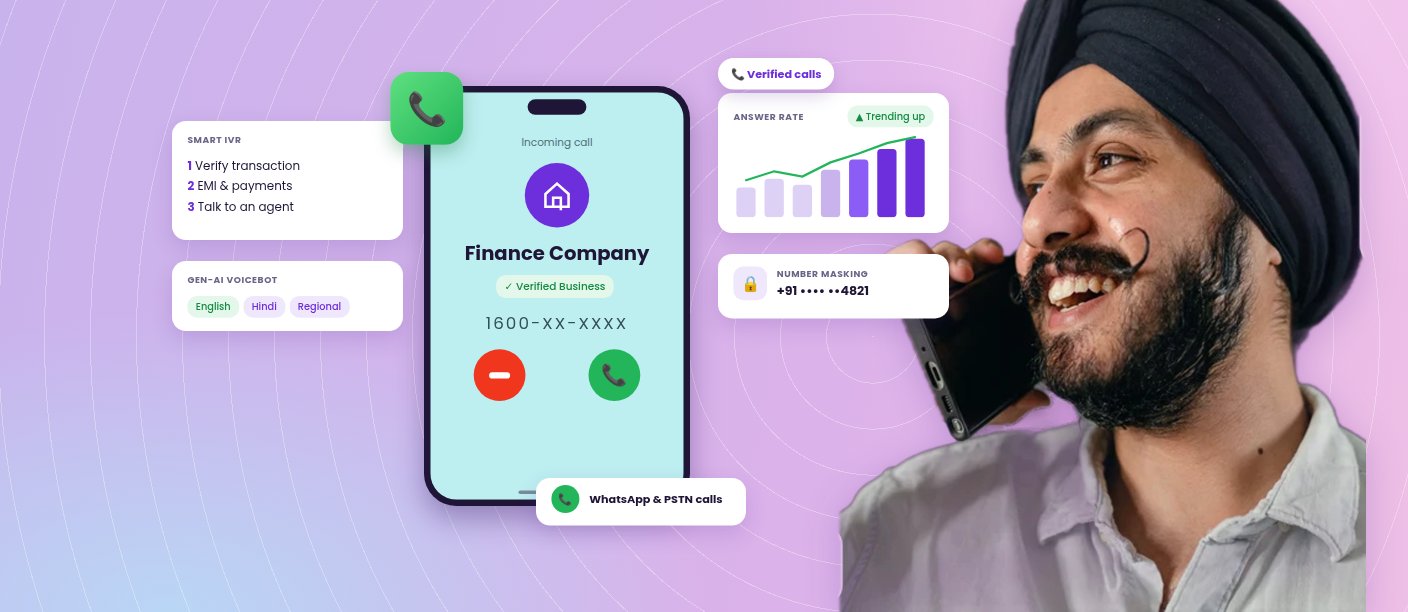
Enterprise Voice Solutions in India: The Complete Guide to Trusted Business Calling
Enterprise voice covers every call an organisation makes to or receives from its customers: service helplines, verification calls, payment reminders,...
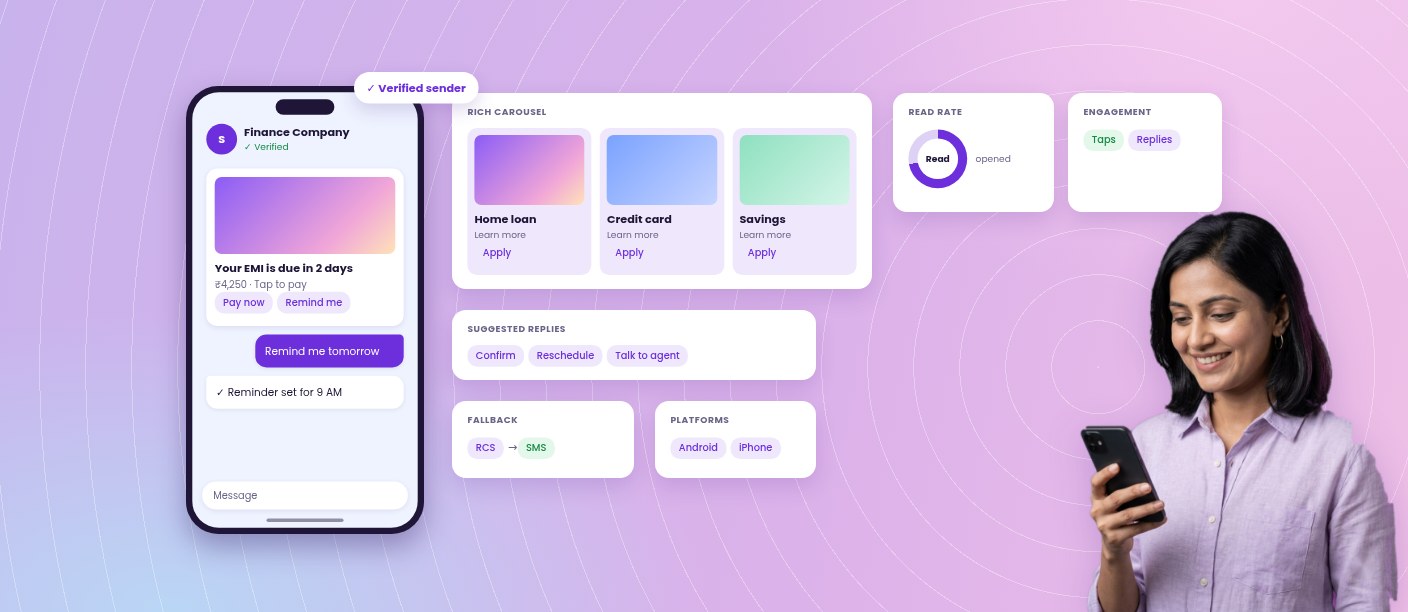
RCS Business Messaging in India: The Complete Enterprise Guide for 2026
Rich Communication Services (RCS) is the messaging standard that brings branded, interactive experiences to the native messaging inbox on a...
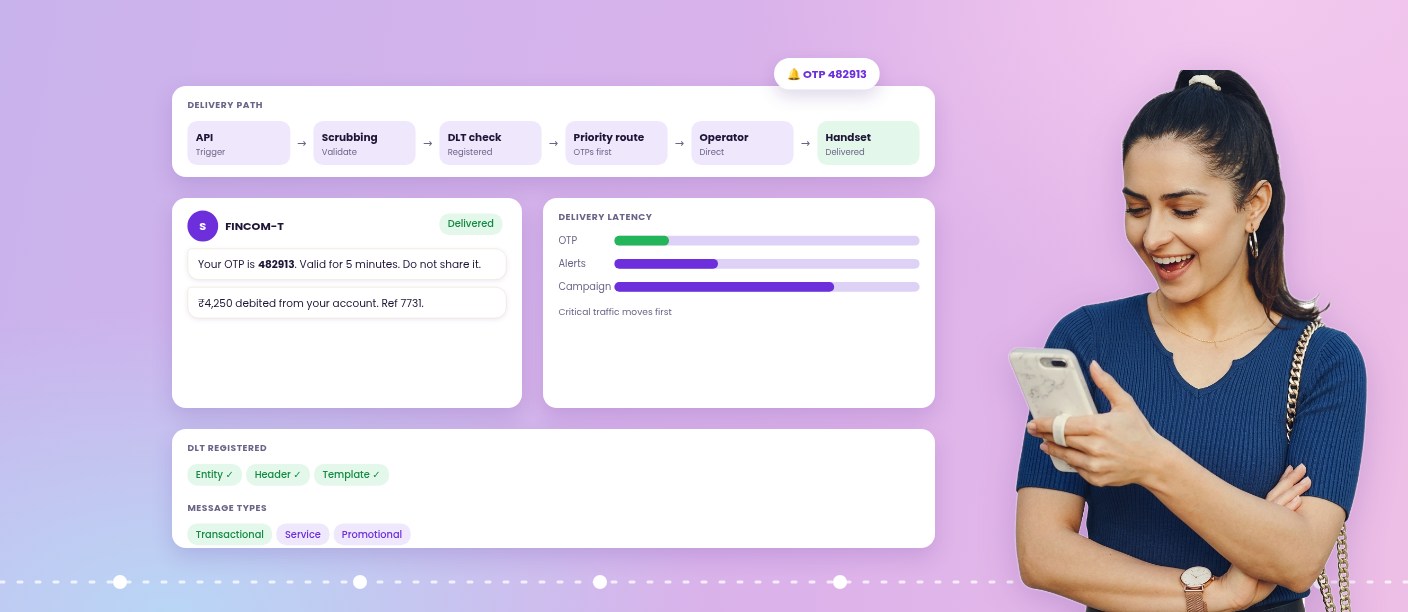
Enterprise SMS in India: The Complete Guide to Reliable, Compliant Messaging at Scale
Enterprise SMS is the messaging layer behind India's most critical customer communication. Payment confirmations, one-time passwords, account alerts, delivery updates...

WhatsApp Business API: A Complete Guide for Enterprises
Customer interactions rarely stay on one channel. A customer discovers a product through an ad, evaluates it on a website,...

One Channel, Complete Customer Journey: How WhatsApp Business API Improves Engagement and Drives ROI
Most enterprises handle customer interactions across multiple channels. A customer might discover your product through a click-through ad on one...




 First Floor, Unit F-49, Sector-47, Spaze Boulevard, Gurugram, Haryana 122018